Vilm Care Features
← Vilm CareA closer look at what each Vilm Care feature does. If you are new, the introduction page covers the basics. This page is for those who want to know more.
The Owl: eyes on your PC Plus
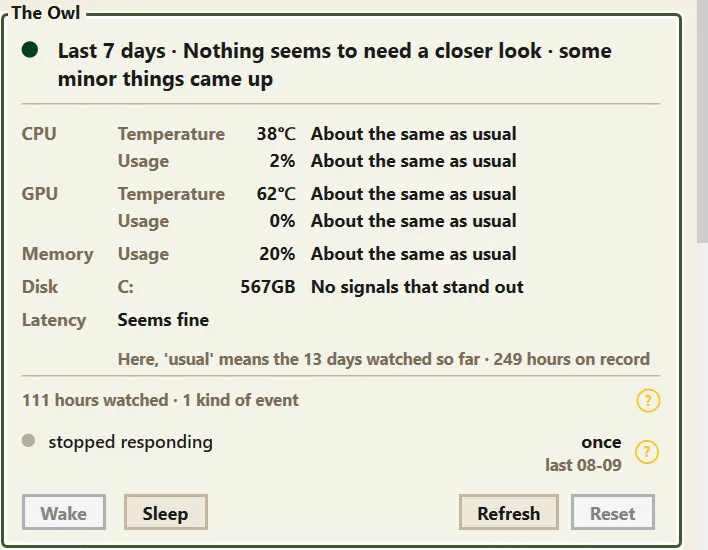
When something goes wrong with a PC, we usually start with the question "why is this happening?" But Windows does not keep an easy-to-read record of when a device dropped out or when an error occurred.
And none of us can stare at our PC's temperatures and vitals all year round. That is the Owl's job. Once awake, it quietly records things like device connections and disconnections, system errors, reboots, and temperatures, keeps watch over the trends, and when something worth mentioning comes up, it tells you in plain language.
- The Owl only works after you wake it. You can put it back to sleep anytime.
- It can only know what it sees while awake. To use it properly, keep "Run at Windows startup" and "Keep running in the background" turned on. They are enabled together when you wake it.
- Its records (the journal) are stored only on your computer and never sent to a server.
- When first awakened, it needs time to learn what is normal for your PC.
Care: a hand that guards your focus Plus
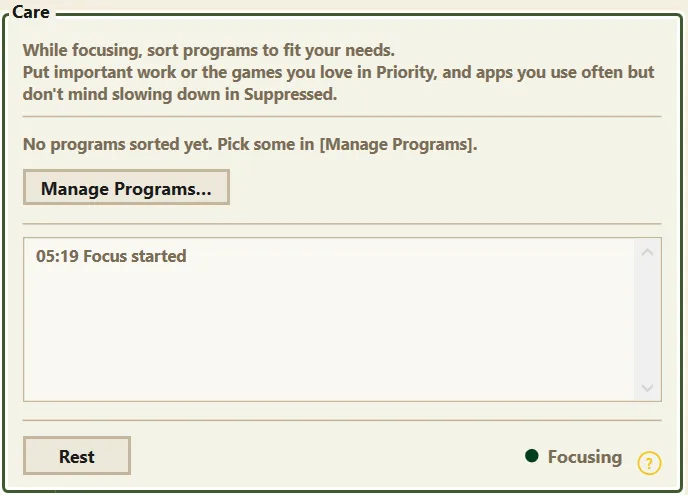
For focused time like music production, streaming, or gaming, let Care join you. Start with "Focus" on the Care card, and it adjusts program priorities to match how you sorted them beforehand. Finish with "Rest", and it puts everything back the way it was.
- We recommend putting important work and the games you love in Priority, and programs you use often but don't mind slowing down in Suppressed.
- Everything Care did is visible in the Care tab and the log.
Mailbox: talk to the developer directly
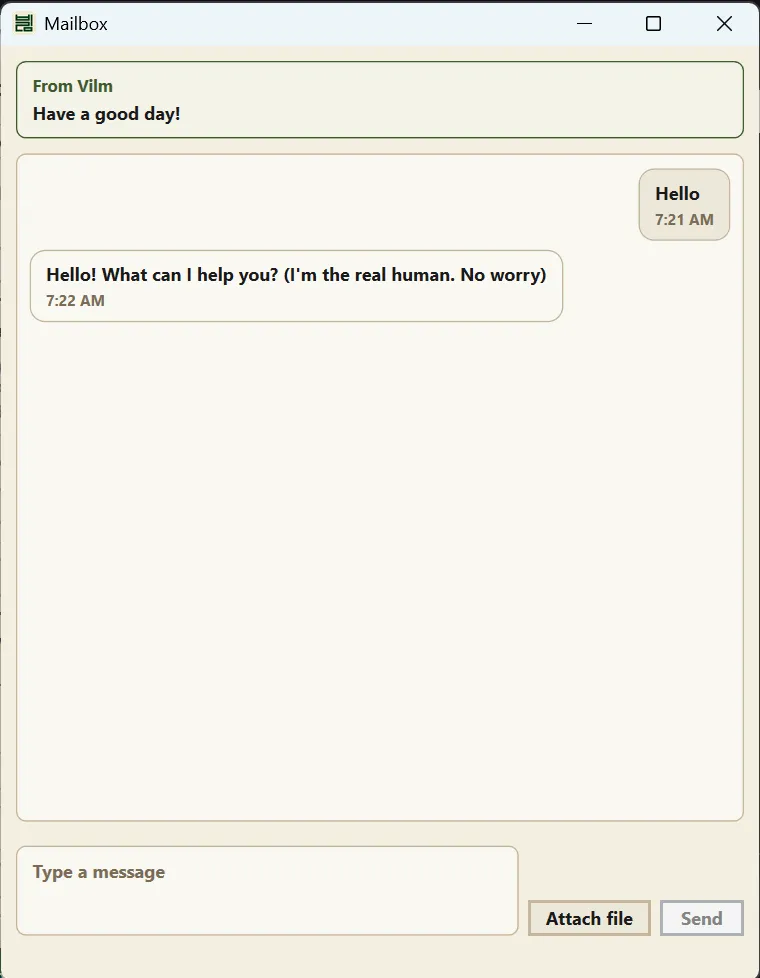
Send a message to the developer right from the app. You can attach photos, which makes it easy to show what is going on. No account or email address needed, and replies arrive in the app.
My Gear: a reserved seat for your important devices

Mark devices that matter to your work, like an audio interface, as My Gear. Vilm Care then checks the device's whole connection path to your PC (including hubs in between) to prevent power-saving dropouts, and tells you in plain language whether the connection standard is sufficient for the device.
License: free for now
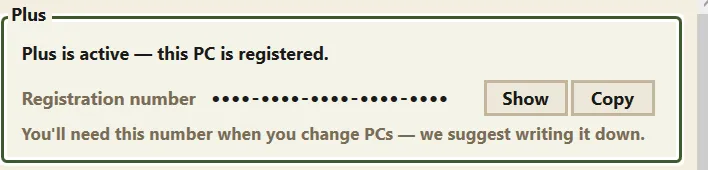
The Plus features in the Care tab (the Owl and Care) require a license. Right now, one click on "Start for free" in the app gets you a free license.
- A registration applies to one computer.
- Your registration number is proof of when you registered. When moving to a new PC, deactivate on the old one and enter the same number on the new one to keep your original registration date.
Where is my data
The Owl's journal and other records stay on your computer only. Anonymous usage statistics can be turned off in Settings. For details, see the Privacy Policy.