Vilm Care
DownloadBeyond optimization, everyday care for your PC
Introduction
- Diagnoses and optimizes commonly overlooked Windows PC settings (power, USB, network, sound, and more) quickly and easily.
- Helps prevent issues like CPU spikes and audio dropouts in real-time audio environments such as DAW production and live streaming.
- Starting with v2.0.0, Vilm Care goes beyond settings: it watches what actually happens on your PC (the Owl) and acts on your behalf while you work (Care). There are also many new features that help anyone understand their Windows PC and improve their day-to-day experience.
- v2.0.0 brings many improvements and changes. If you were using an earlier version (v1.3.0 or below), we recommend deleting your old VilmCare.exe file and installing the new version.
- May also improve general PC performance.
- Developed and tested on Windows 10/11 desktop environments. Results may vary depending on your PC environment.
- Vilm is not responsible for any issues caused by improper use of the software.
Some features in the Care tab require a license. A free license is currently available in the app.
Guide
Before applying optimization settings with Vilm Care, proper hardware setup is the most important step. Make sure critical devices like your audio interface are connected to the rear ports of your PC.
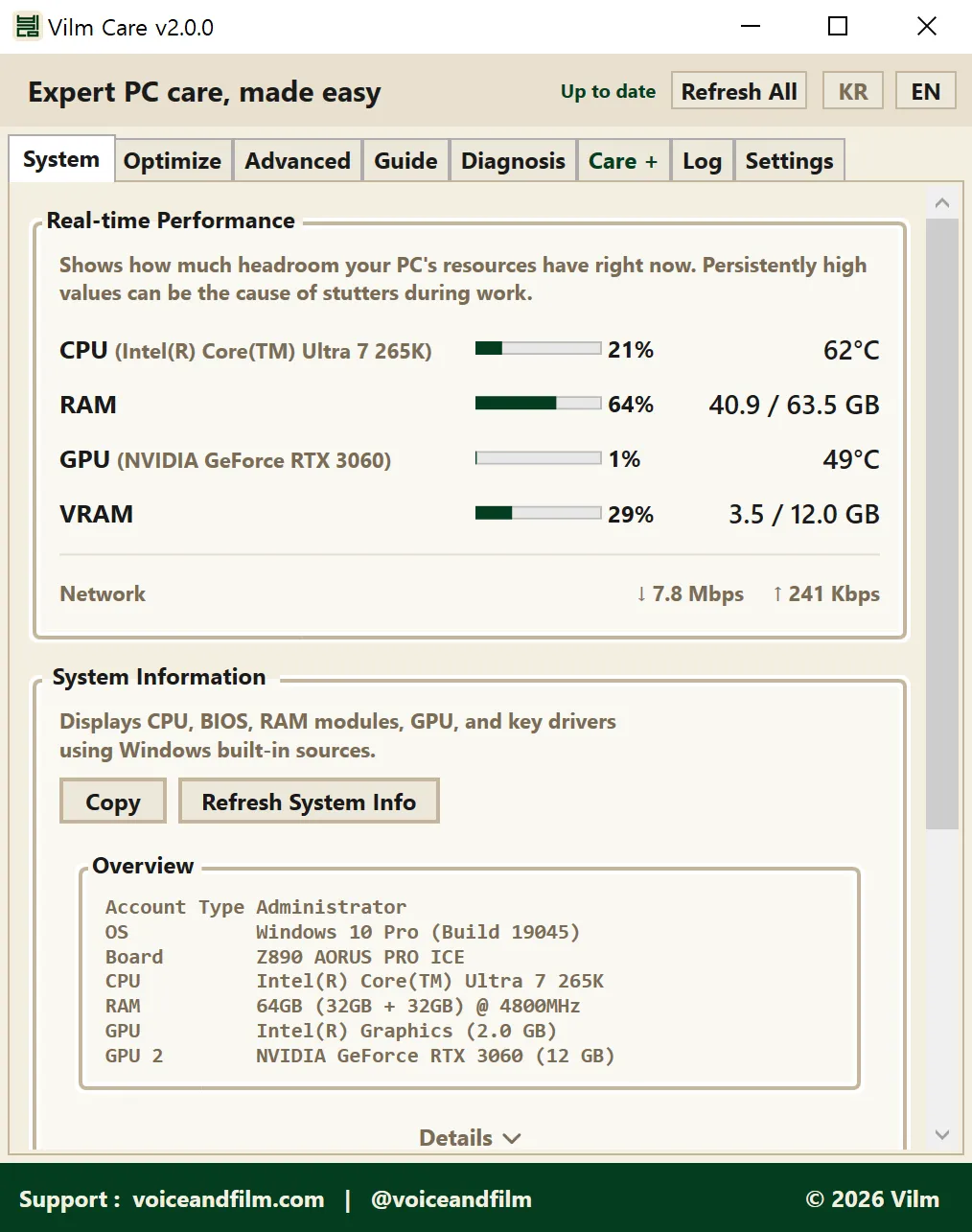
View your PC's key specs, live temperatures, and other system information at a glance.
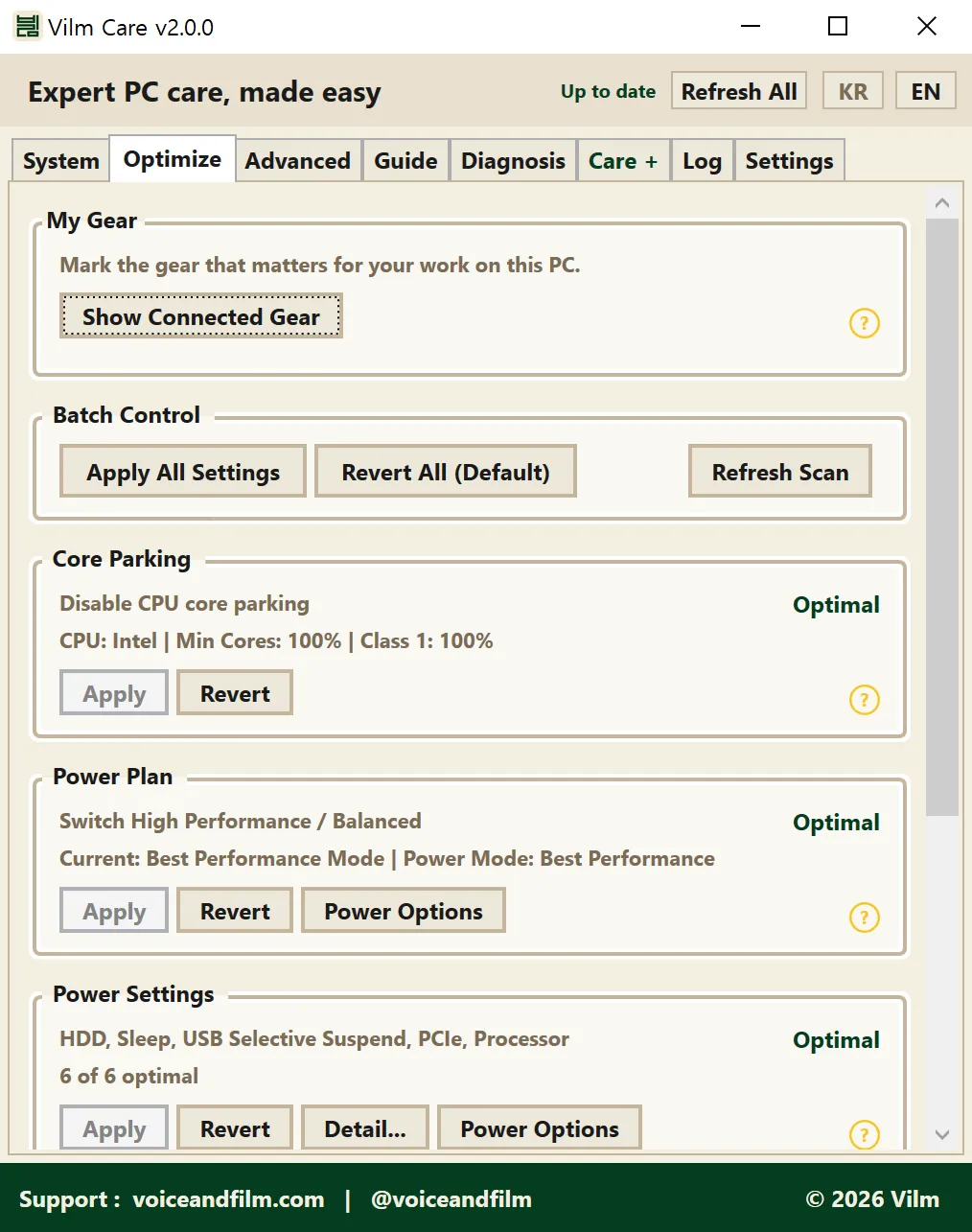
Disables power-saving options that can affect real-time audio processing. Strongly recommended for a stable working environment. May slightly increase power consumption. Devices marked as My Gear get their deeper connection path checked and protected from power saving as well.
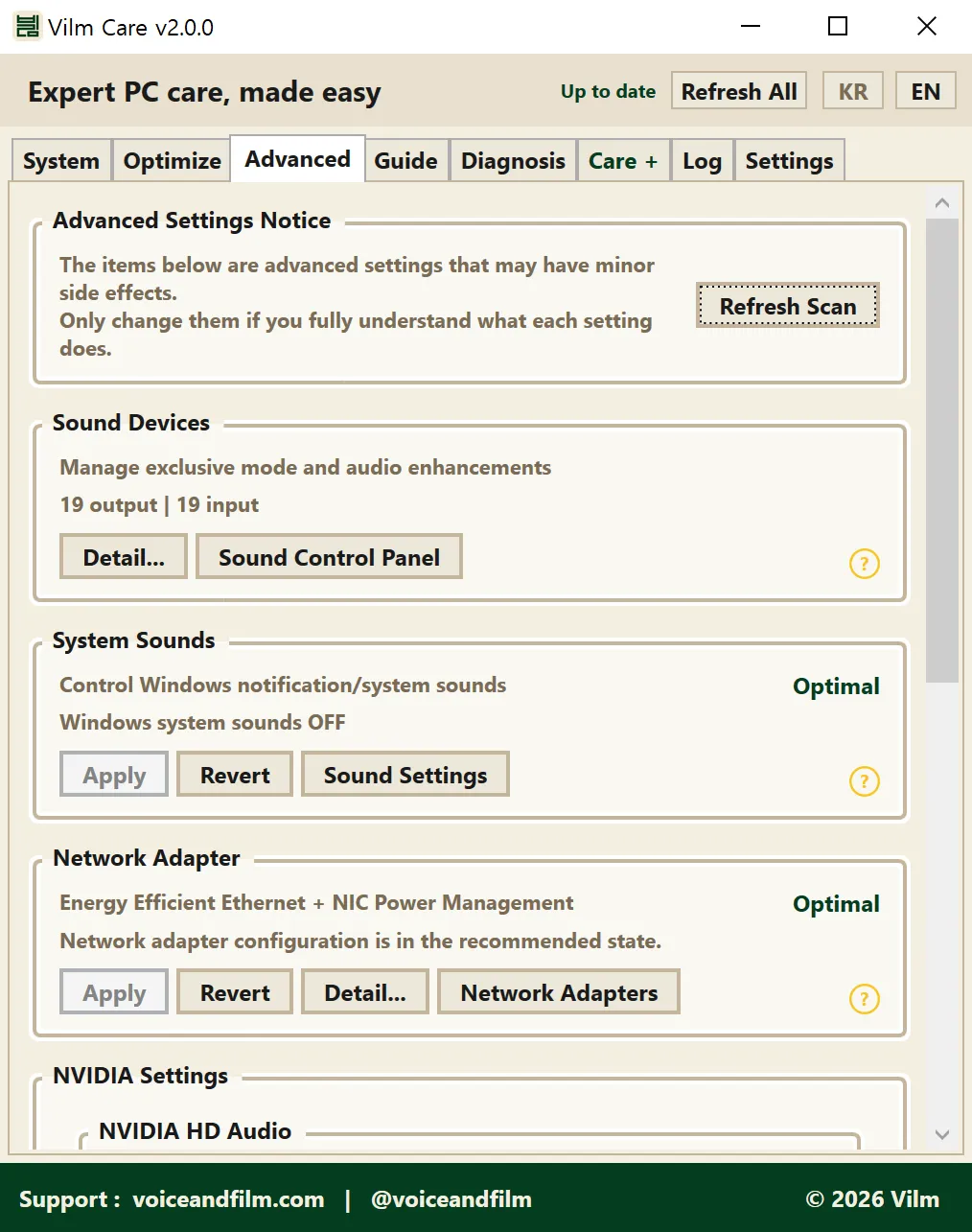
Easily manage sound device settings and other options you may want to configure based on your environment and preferences. Only change these if you fully understand them.
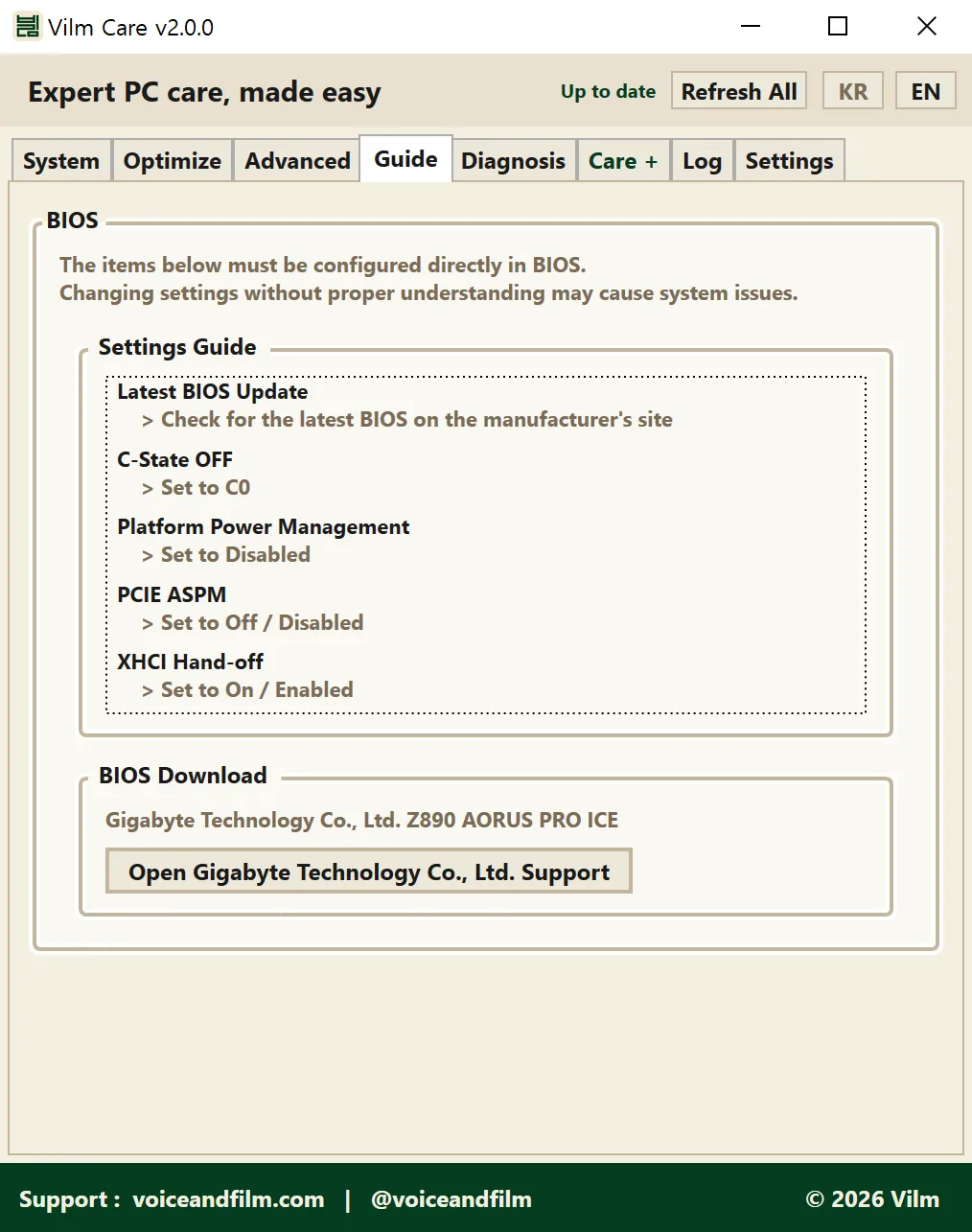
BIOS settings must be changed by the user directly. Keep defaults unless there's a specific issue, but we recommend keeping your BIOS version up to date.
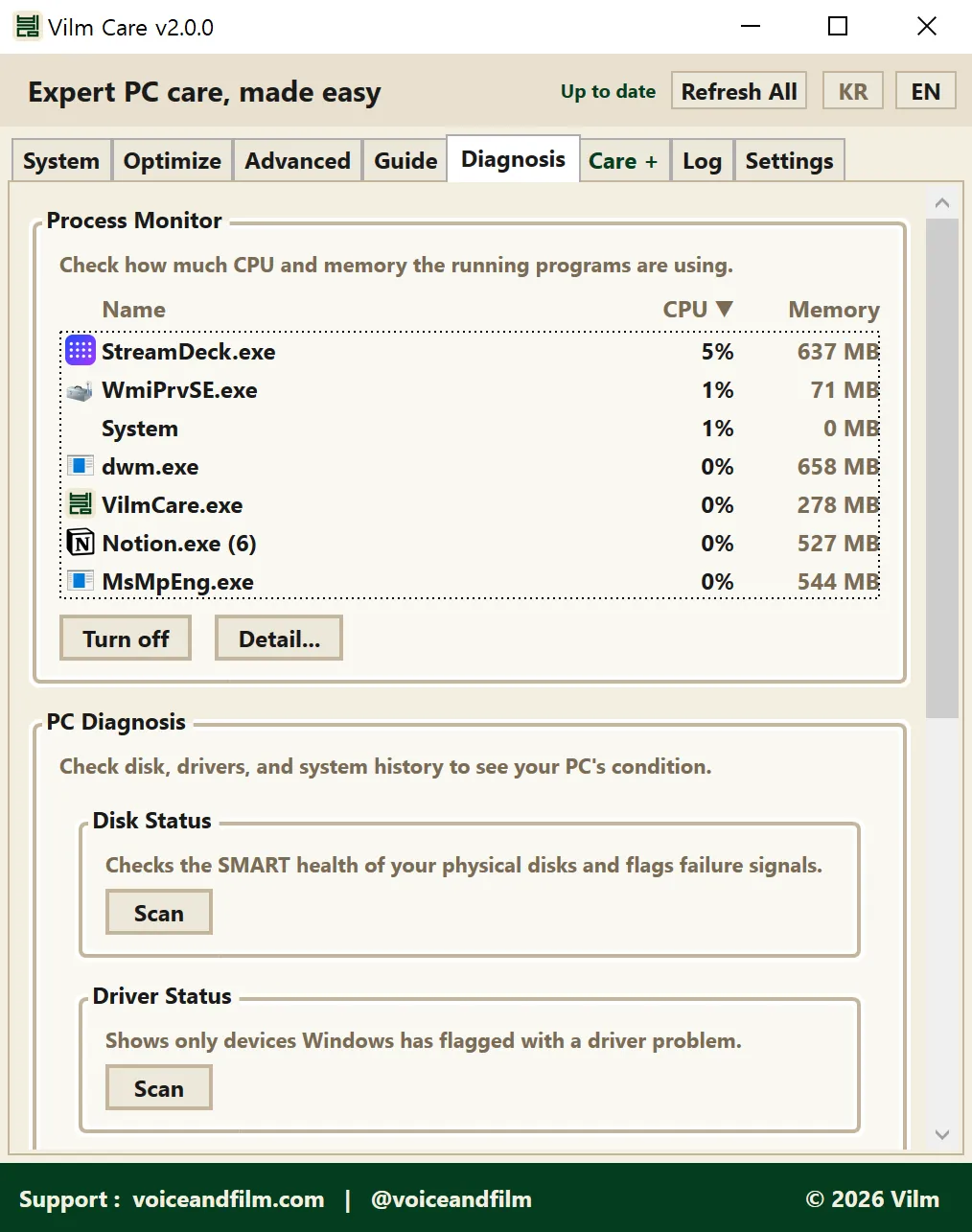
Anyone can easily check the health of their PC. Checks that used to feel intimidating, like internet speed and DPC latency measurement, are one click away. Useful before recording or live work.
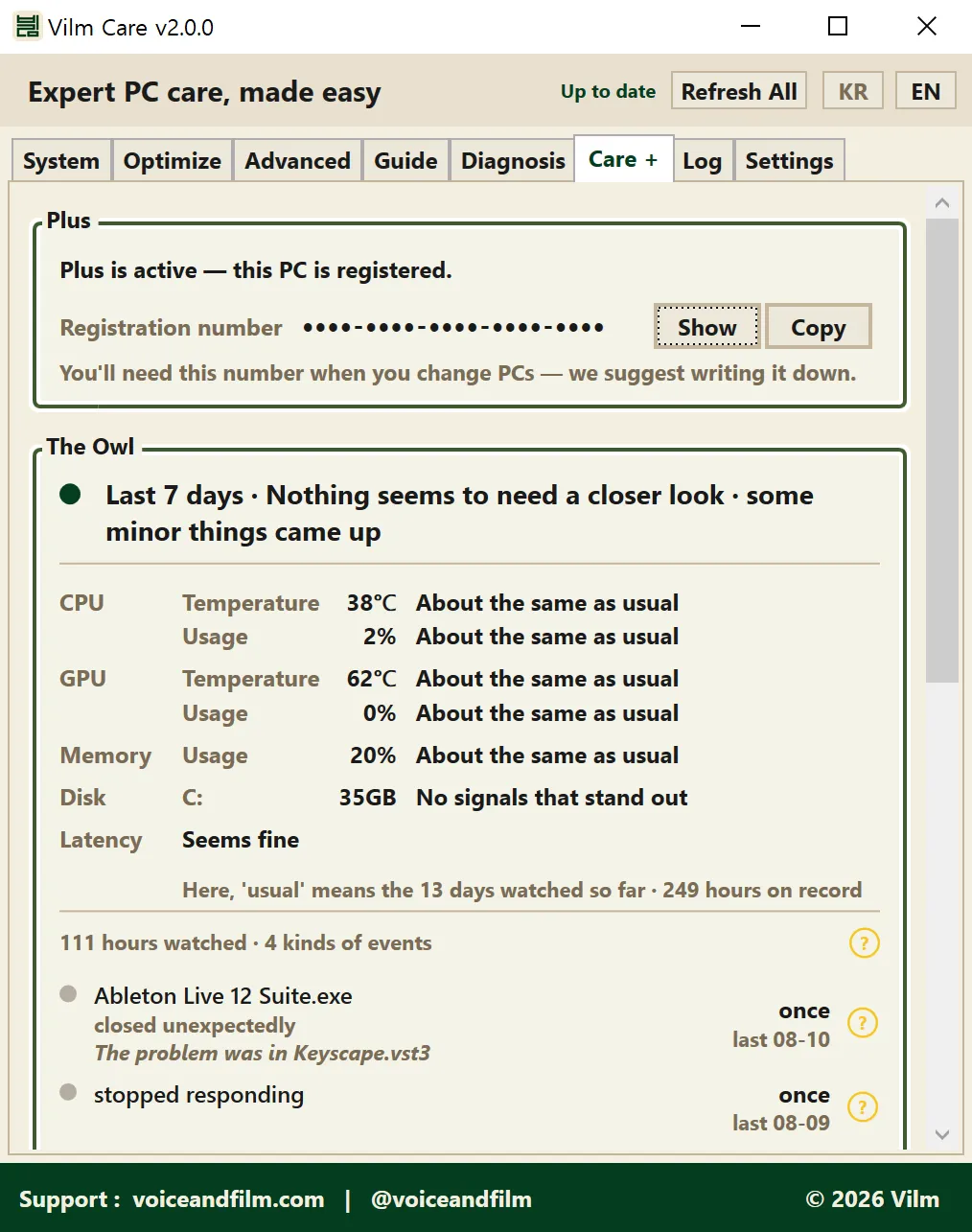
The Care tab, new in v2.0.0. The Owl quietly watches what happens on your PC and reports unusual signs in plain language, while Care handles potential disruptions during your work. The Mailbox for contacting the developer directly lives here too.
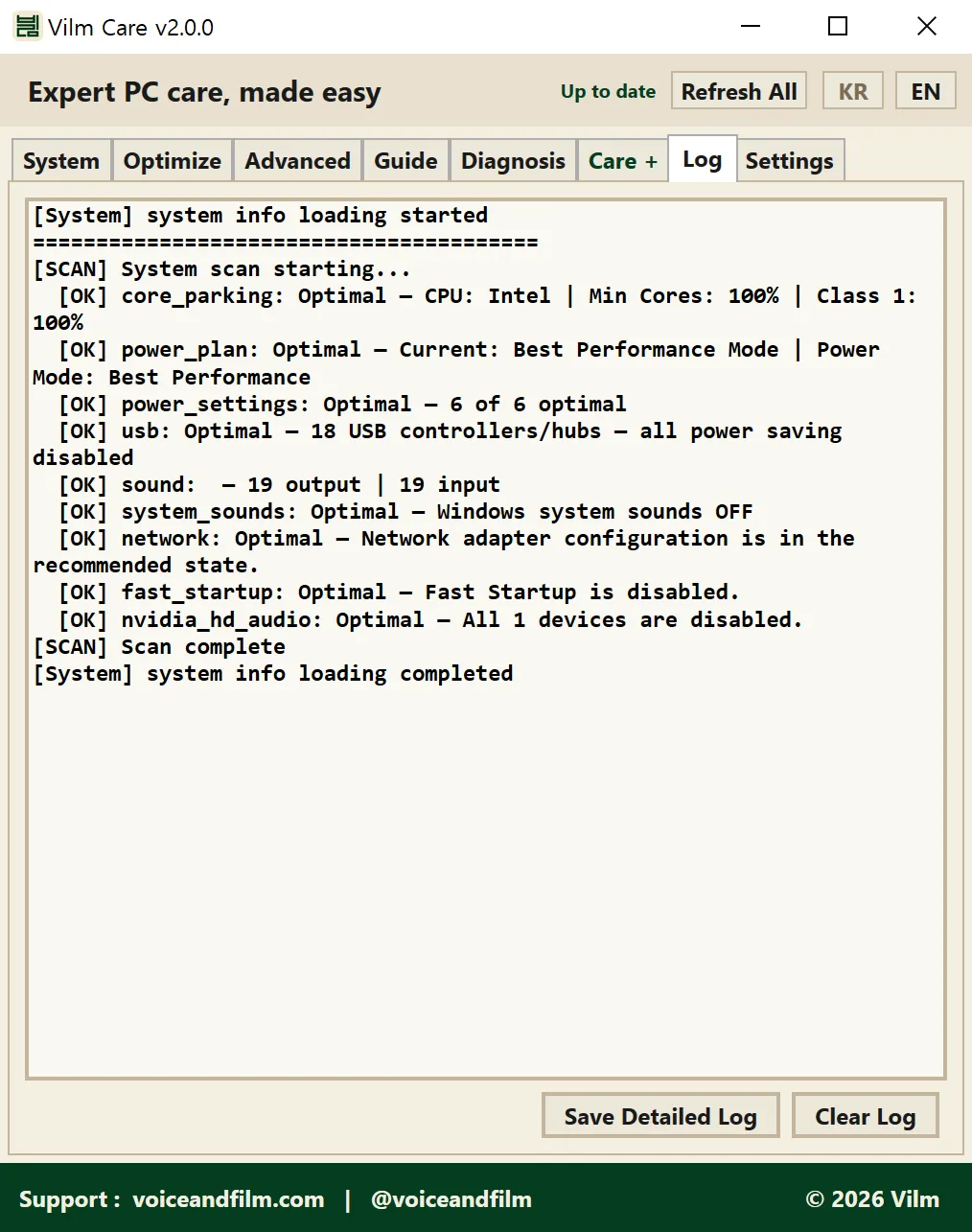
Diagnostic results and applied/reverted changes are recorded here. If something goes wrong, save the detailed log and send it to Vilm. We will help as best we can.
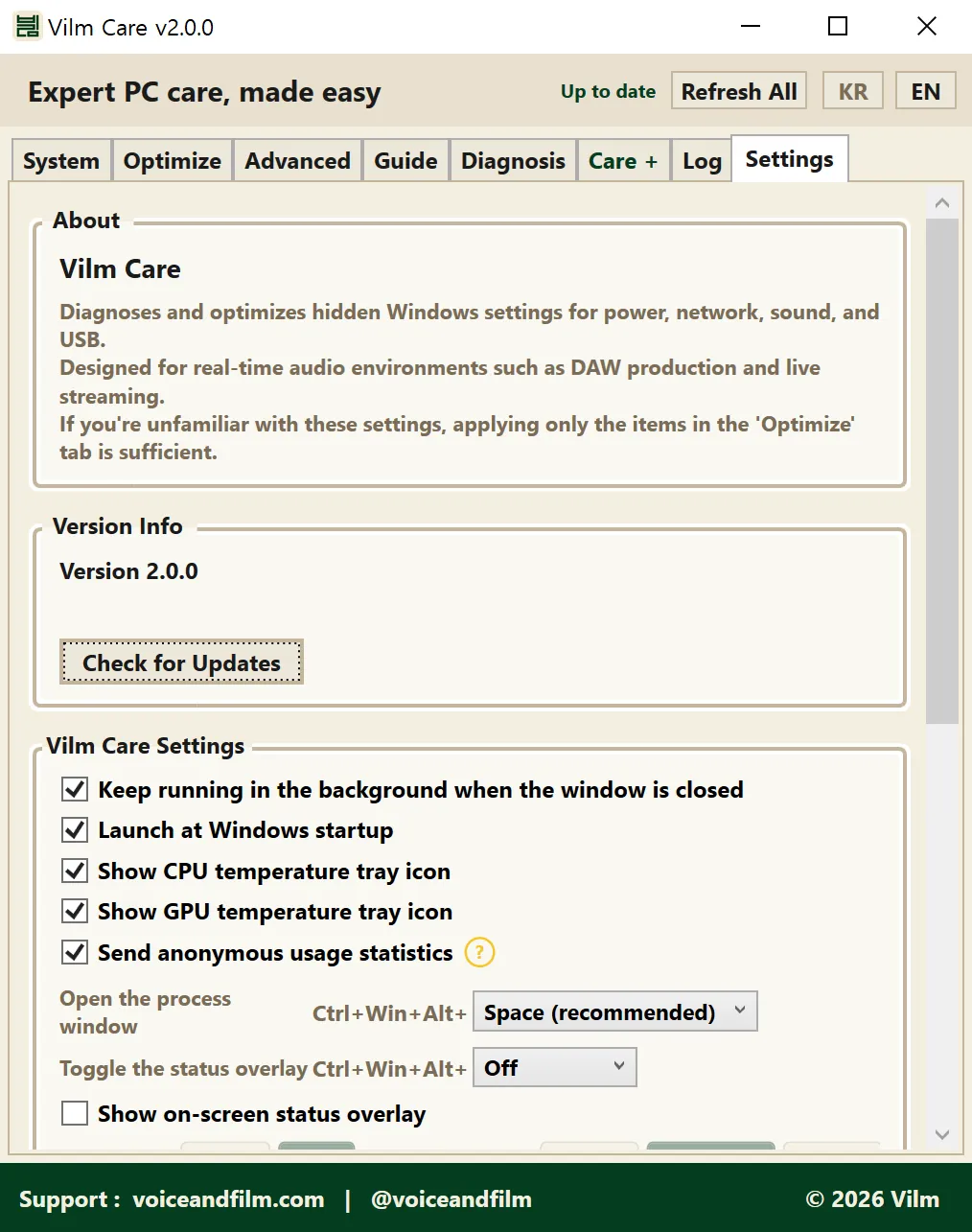
App version and update check, plus toggles for background run, autostart with Windows, and CPU/GPU temperature tray icons. You can switch the language anytime with the KR/EN buttons at the top. Support links also live here.
Developer Note
Hi, I'm Hyunwoo Park from Vilm.
I built this tool based on years of experience in music production and live streaming.
When working on a Windows PC, things don't always go as expected. Even on a high-spec system, you can run into CPU spikes, audio dropouts, and other issues. Preventing these problems often comes down to a set of fundamental Windows settings that need to be configured properly.
But these settings can be confusing and tedious to manage.
After years of facing these problems firsthand, researching, testing, and solving them, I was able to identify the settings that actually make a difference.
And from there, I built a tool that lets you apply them in just a few clicks.
I hope Vilm Care can be helpful to those just getting started with music production or streaming, those unfamiliar with Windows system settings, and anyone dealing with audio-related issues.
Vilm Care will be continuously updated, with more exciting features to come.
The three months since the v1.3.0 release were a time of quiet struggle, spent alone with many questions. I wanted this program to go beyond 'easy PC optimization in a few clicks' and become something that helps you more actively. As a musician and creator myself, and as a colleague walking the same road as you, I built it hoping that understanding and caring for your own PC becomes a little easier for everyone.
It was many days of sitting alone in a room, deep in thought. I hope you like it.
For questions about the software or PC/equipment setup, please reach out via email or the Contact page. Thank you.
Changelog
- Launch at Windows startup now starts quietly in the system tray
- PC recognition is more resilient, so registration is less likely to be lost after hardware or firmware changes
- Fixed launch-at-startup not working after updating from an older version
- Update progress is now shown on the header badge as well
- Code signing certificate applied
- Improved My Gear card refresh when switching languages
- Improved reporting when a setting is not accepted by a device driver
- Improved real-time performance card
- Added USB connection status
- Added My Gear
- Added process monitor
- Added PC diagnosis
- Improved latency diagnosis
- New Care tab
- Added the Owl
- Added Care
- Added Mailbox
- Improved logging
See the full feature guide for details.
- Added live CPU/GPU temperature monitoring
- Added internet speed test
- Added DPC latency measurement (Beta)
- Changed NVIDIA low-latency mode to neutral option (Off / On / Ultra)
- Added GPU power management mode setting (Normal / Prefer Maximum Performance)
- Added per-item help tooltips
- Added NVIDIA HD Audio / low-latency mode settings
- Added processor scheduling (FG/BG) setting
- Moved Windows Fast Startup to Optimization tab
- Redesigned sound device management UI
- Fixed USB power saving disable error
- Added server notice feature
- Added system info clipboard copy
- Added detailed debug log export
- Fixed sound device rename error
- Fixed exclusive mode status on some devices
- Initial release